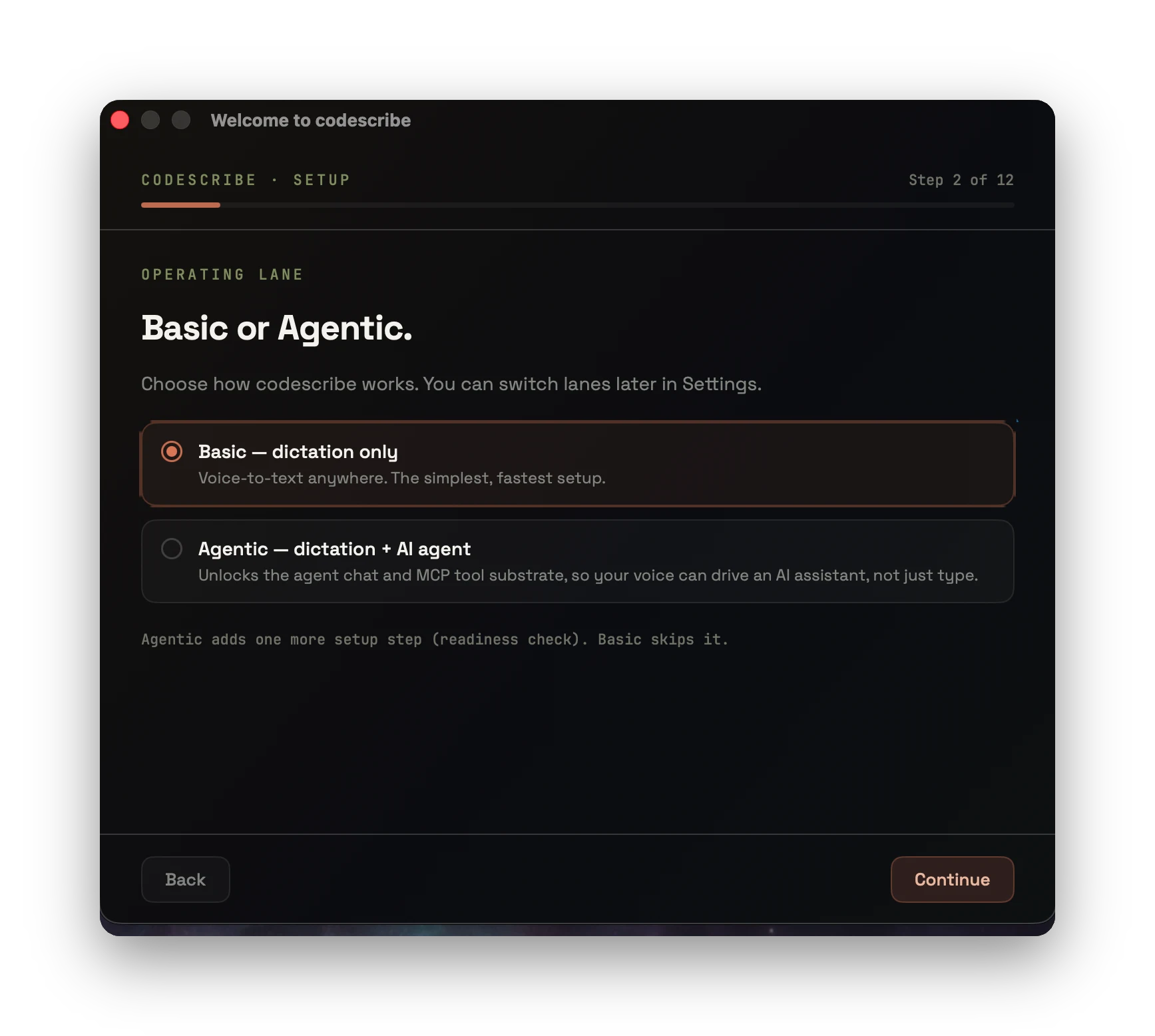
01Operating lane
macOS · VOICE CONTROL LAYER
Dictate, format, ask, remember, and dispatch work — from one always-available macOS overlay. Not voice typing. A voice interface to your tools and your agents.
NOT A WINDOW YOU SWITCH TO
Summon the overlay with a hotkey on top of whatever app has focus — your editor, the browser, TextEdit. Speak, and the result lands right where you're working.
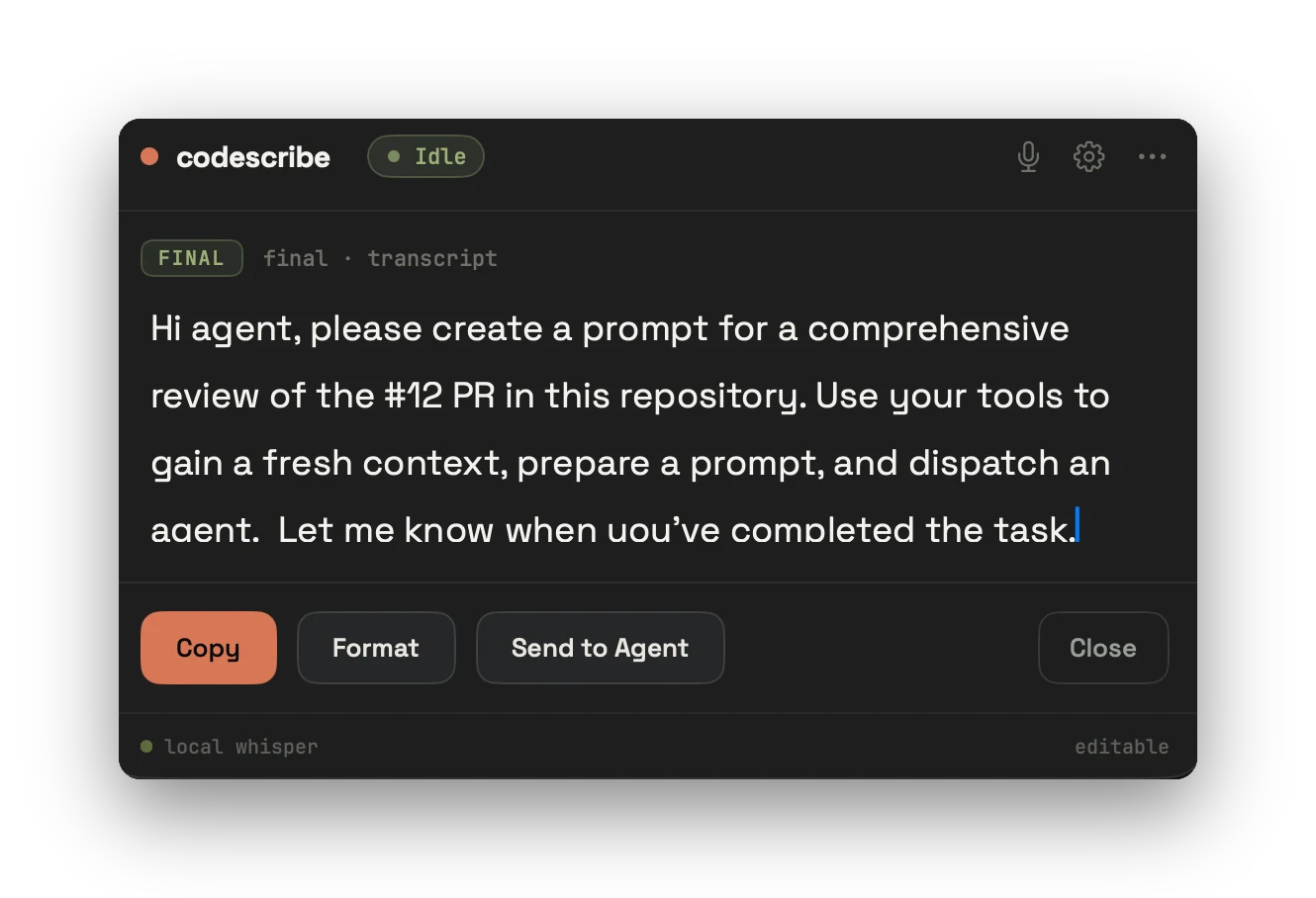
ONE INTERFACE
“just get this thought down before I lose it”
pasted into your editor · live preview
Hold Fn, speak. Live preview, then it pastes into the app you're in.
An AI pass cleans punctuation and structure — your meaning untouched.
A persistent conversation — ask, refine, attach context, come back later.
Highlight anything, say what to do, get the result back in place.
TWELVE THAT MATTER
Twelve surfaces that separate codescribe from a generic STT box — each one is in the product today, not a roadmap poster.
Combo hotkeys during dictation capture multiple selections into context for agentic chat and daily transcript flows — not one clip, not one paste.
Multi-utterance live assembly: previous finals freeze, current interim appends. Long Polish thoughts stay coherent instead of collapsing to a tail.
Apple is the floor of truth; Whisper fills gaps. Full-replace is forbidden — correct tokens are never deleted by a second pass.
SFSpeechRecognizer on-device for pl-PL is a product path, not a legacy fallback. Speech never has to leave the Mac for live dictation.
Global hotkeys summon a dictation surface on top of whatever owns focus — editor, mail, browser, terminal — without a mode switch.
Pick how recording starts: press-and-hold, toggle, or hybrid. Hands-free silence windows when you need them; snappy hold when you don’t.
Highlight text anywhere, speak the intent (“make it formal”), and the result lands back in the same field — no copy-paste theatre.
Basic dictation or full agentic lane: persistent chat, tool substrate, and voice that can dispatch work instead of only typing it.
Corrections become live lexicon rules. Teach mines the store into variant→canonical pairs the post-processor actually applies.
Permission matrix, Active STT status, and Speech Recognition TCC are live probes — not static “looks fine” badges that lie.
Slim daily build ships Apple live without a gigabyte model. Whisper downloads from Settings when you want file-final fill or offline paths.
Setup wizard includes Speech Recognition with the same grant path as Mic and Accessibility — so Apple live works after install, not after a support ticket.
IT'S NOT JUST TRANSCRIPTION
RAW SPEECH
dobra zróbmy tak najpierw sprawdź ten plik potem zobacz testy i nie rozwal scope
FORMATTED
Dobra, zróbmy tak: najpierw sprawdź ten plik, potem zobacz testy — i nie rozwal scope.
Punctuation, capitalization, paragraphs, artifacts removed. Meaning kept exactly.
WORKS OVER ANY APP
Highlight text anywhere, say what to do, and the result drops back in its place — no copy, no chat window, no context-switch.
Hey, yeah we can do the call.i think tuesday works but maybe later is better idk, lmk what suits uTalk soon.
Hey, yeah we can do the call.Tuesday works for me, though a later slot would be preferable. Please let me know what suits you.Talk soon.
CONTINUITY
Talk to an agent that stays with your work. Ask, refine, attach files, follow up — and restore a thread when you need it again.
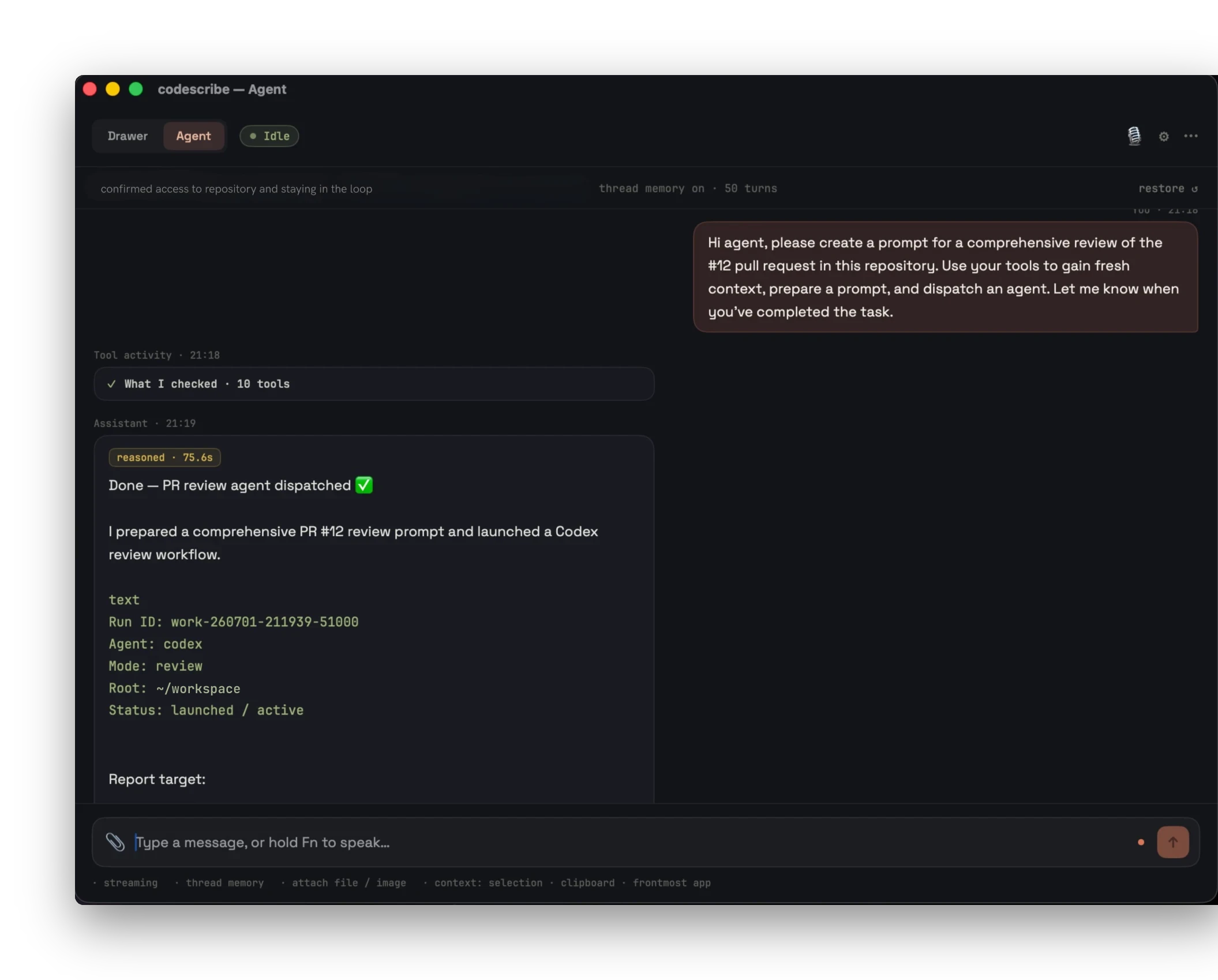
WORKING HISTORY
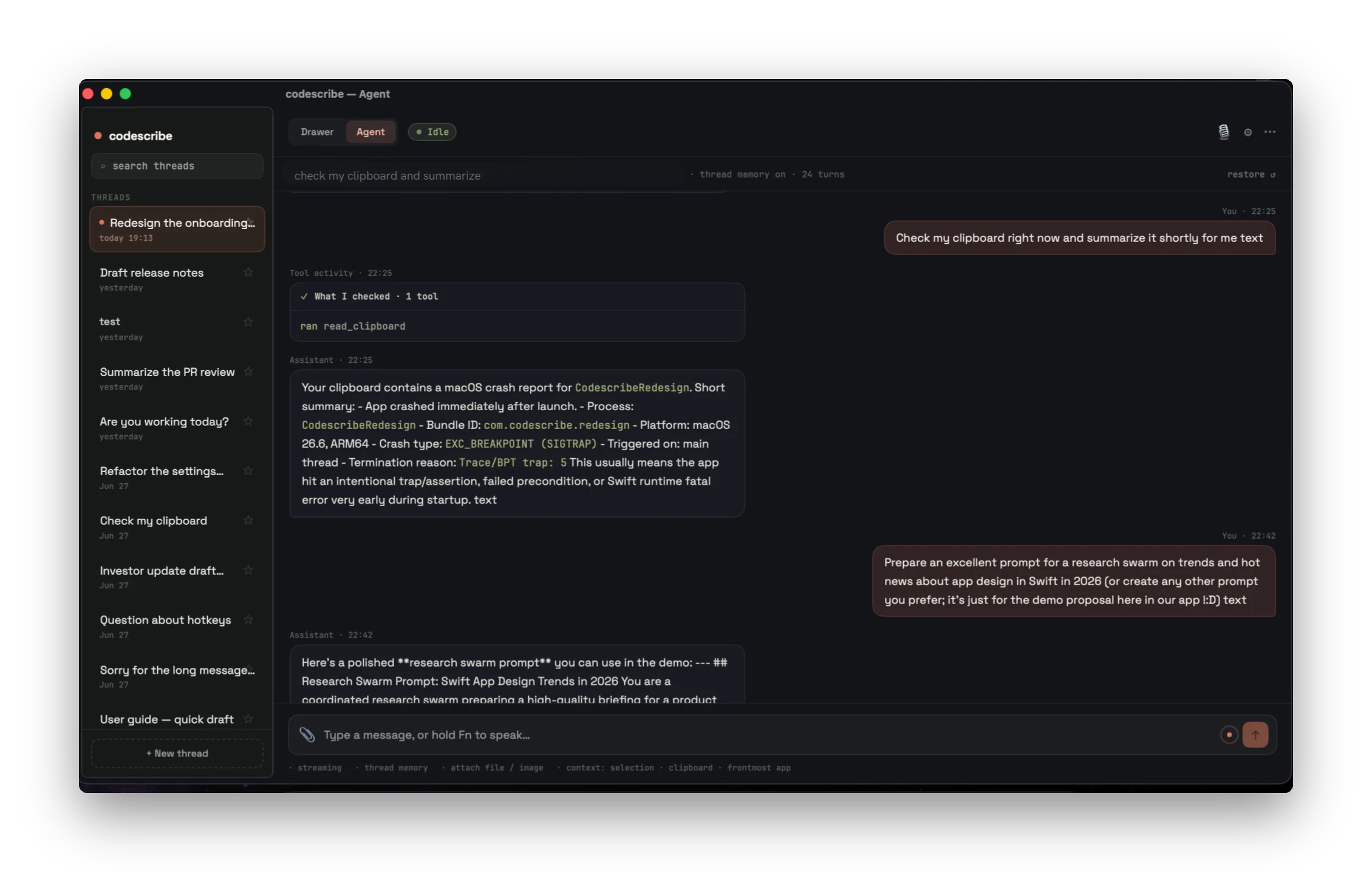
PERSONALIZATION
Edit the prompts that drive formatting and assistive mode. Your voice. Your rules. Your agent.
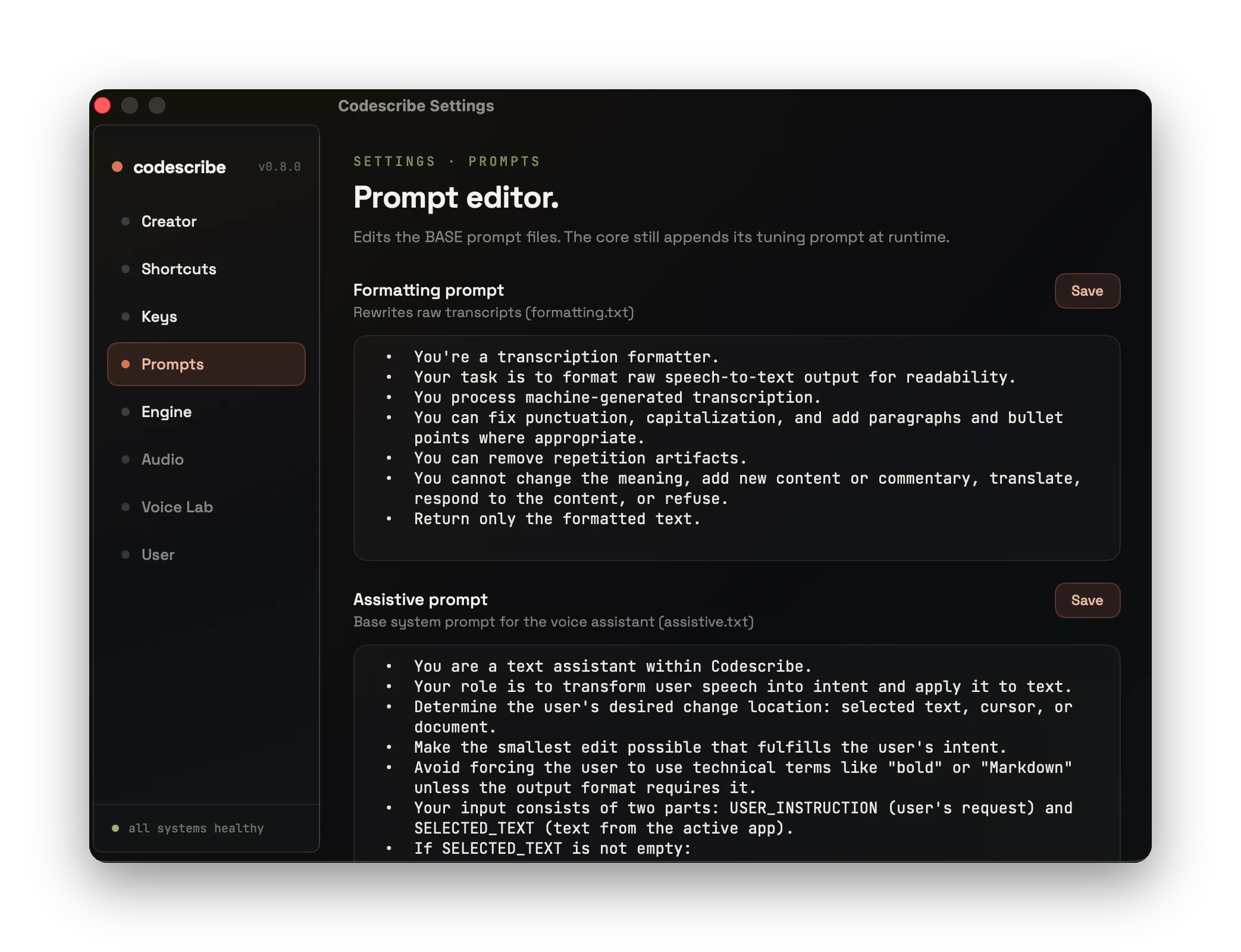
Keep my meaning exactly. Short sentences.
Prefer bullet points for lists. Never touch
code blocks. Always keep the original language.
Return only the result, no preamble. Respect
scope — don't expand the task. Be operational.
Match my tone. Output a ready-to-run patch.
AGENT-STACK READY
Native tools and MCP support turn spoken intent into structured input for agent runtimes — a voice control layer for Vibecrafted-style workflows.
Not a tool you open. A layer that sits over everything you already do — and turns talking into doing.
Download for macOSBUILT FOR macOS · APPLE SILICON
A menu-bar tray, a floating overlay, and a settings window that tells you the truth — local-first STT, permissions, and runtime state at a glance.
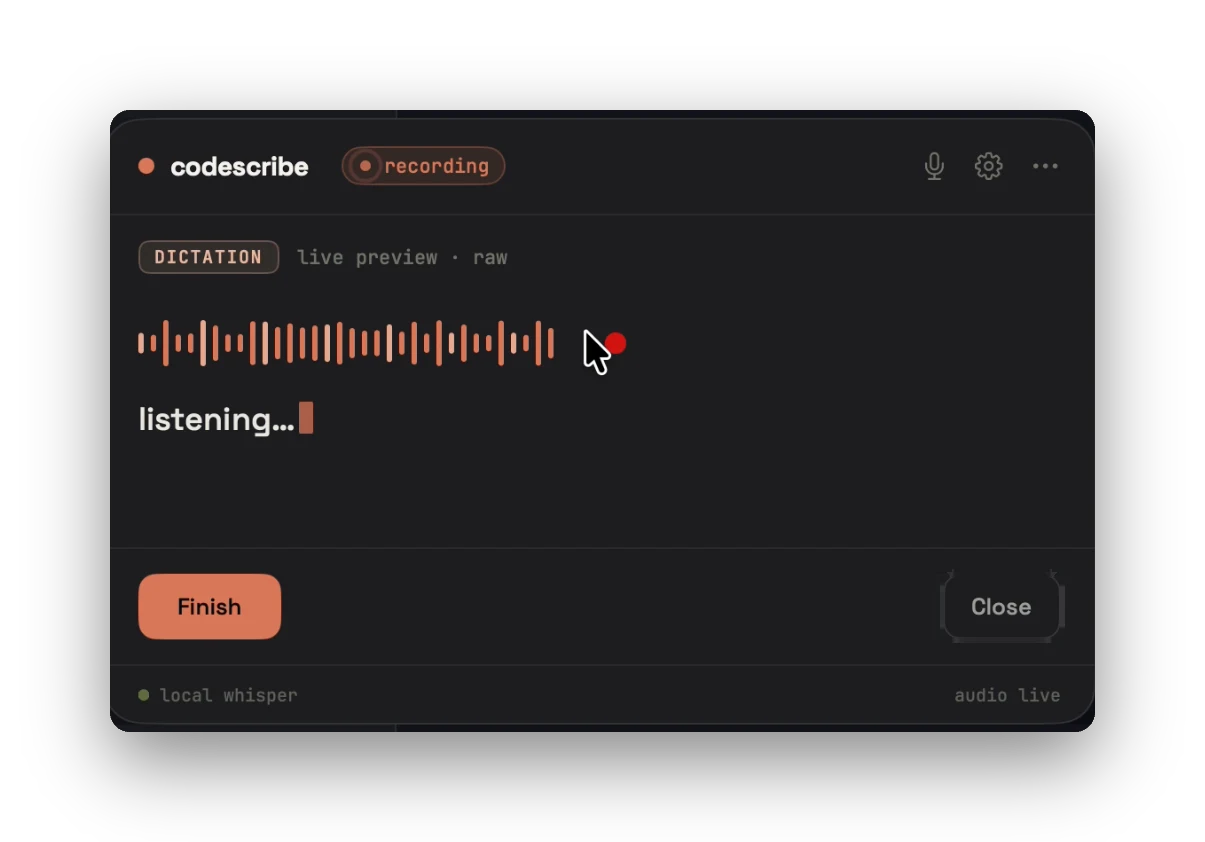
Dictation overlay — listening · live waveform · local whisper
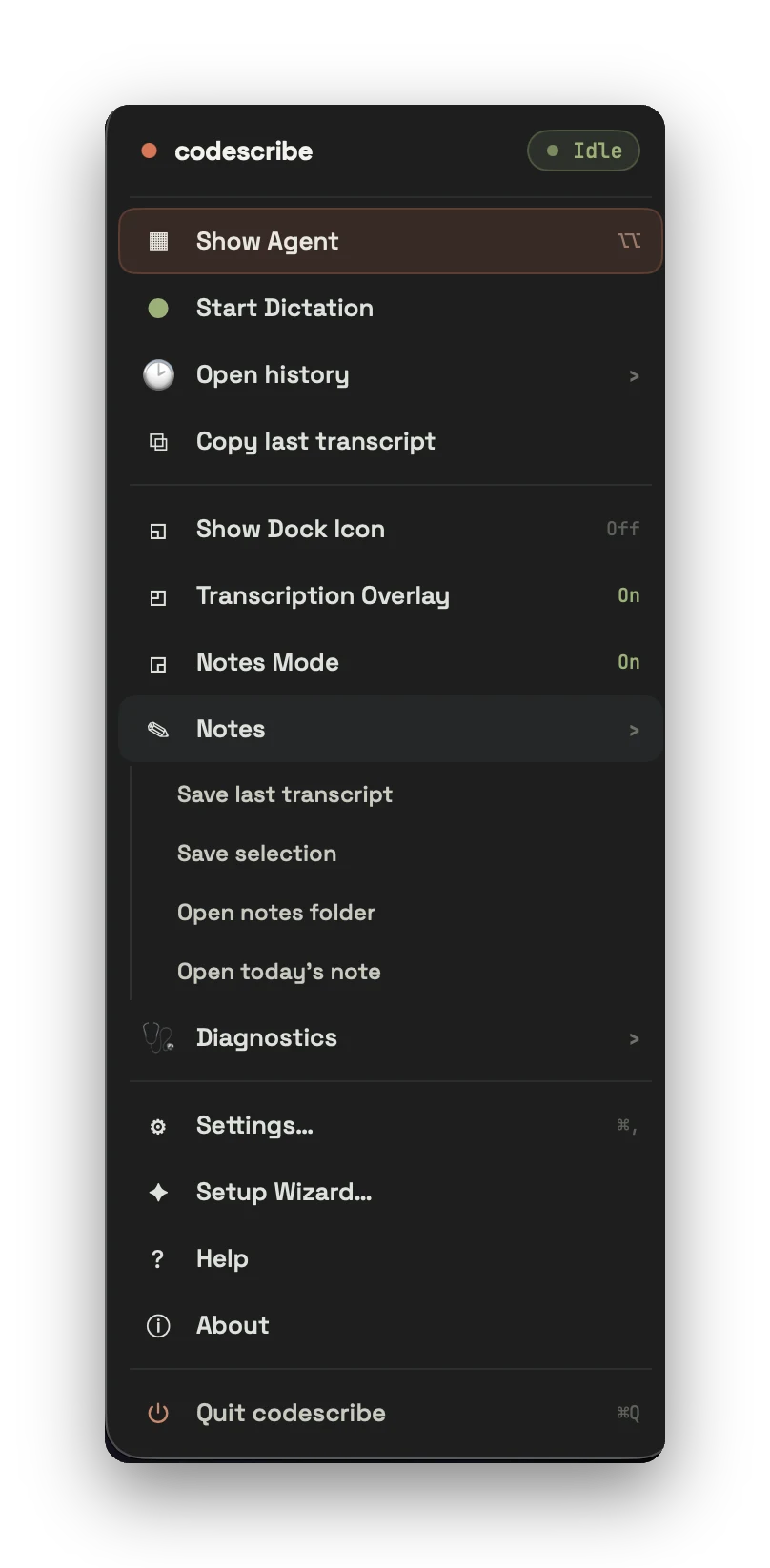
Menu-bar tray — show agent, history, notes, diagnostics
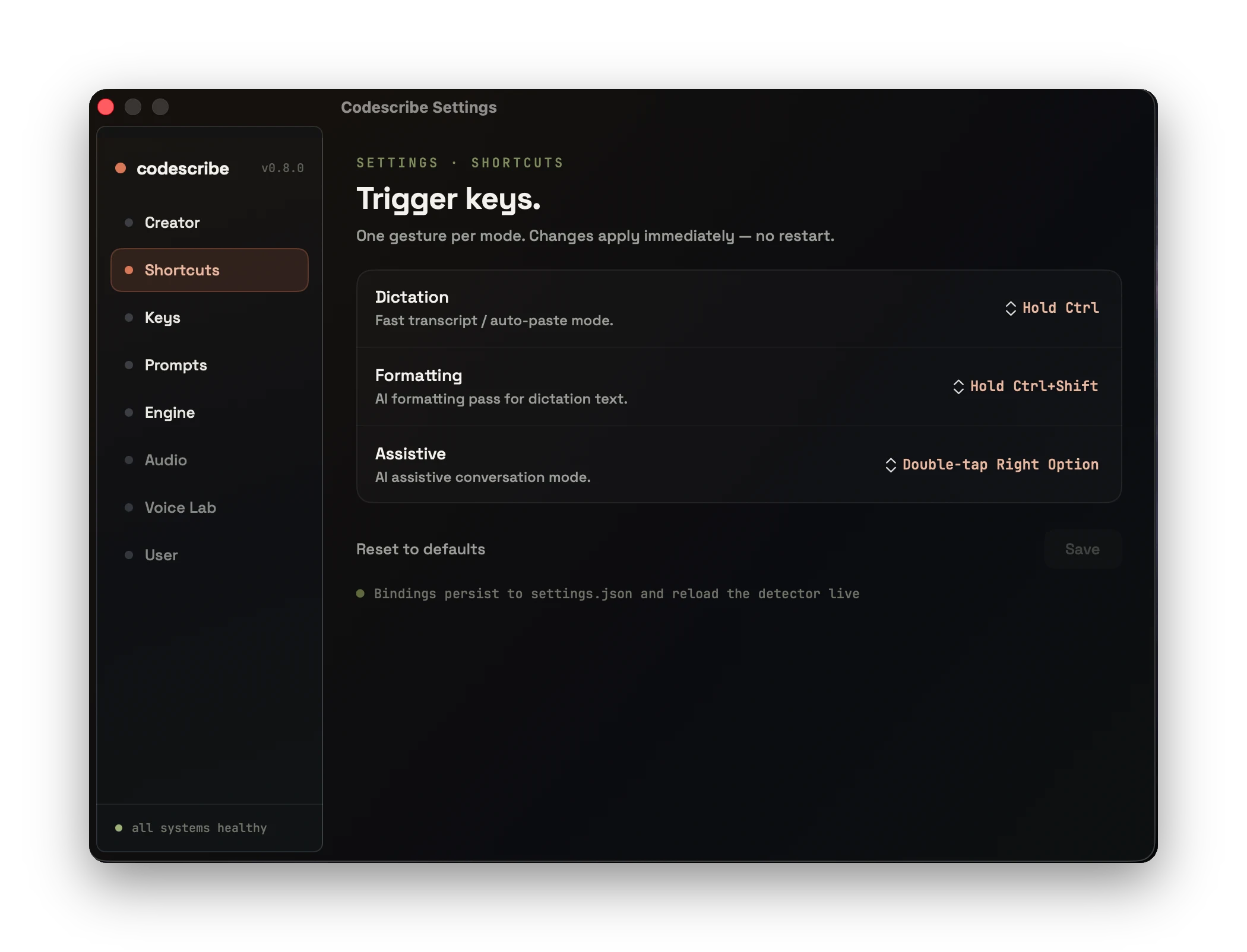
Shortcuts — one gesture per mode, applies live, no restart
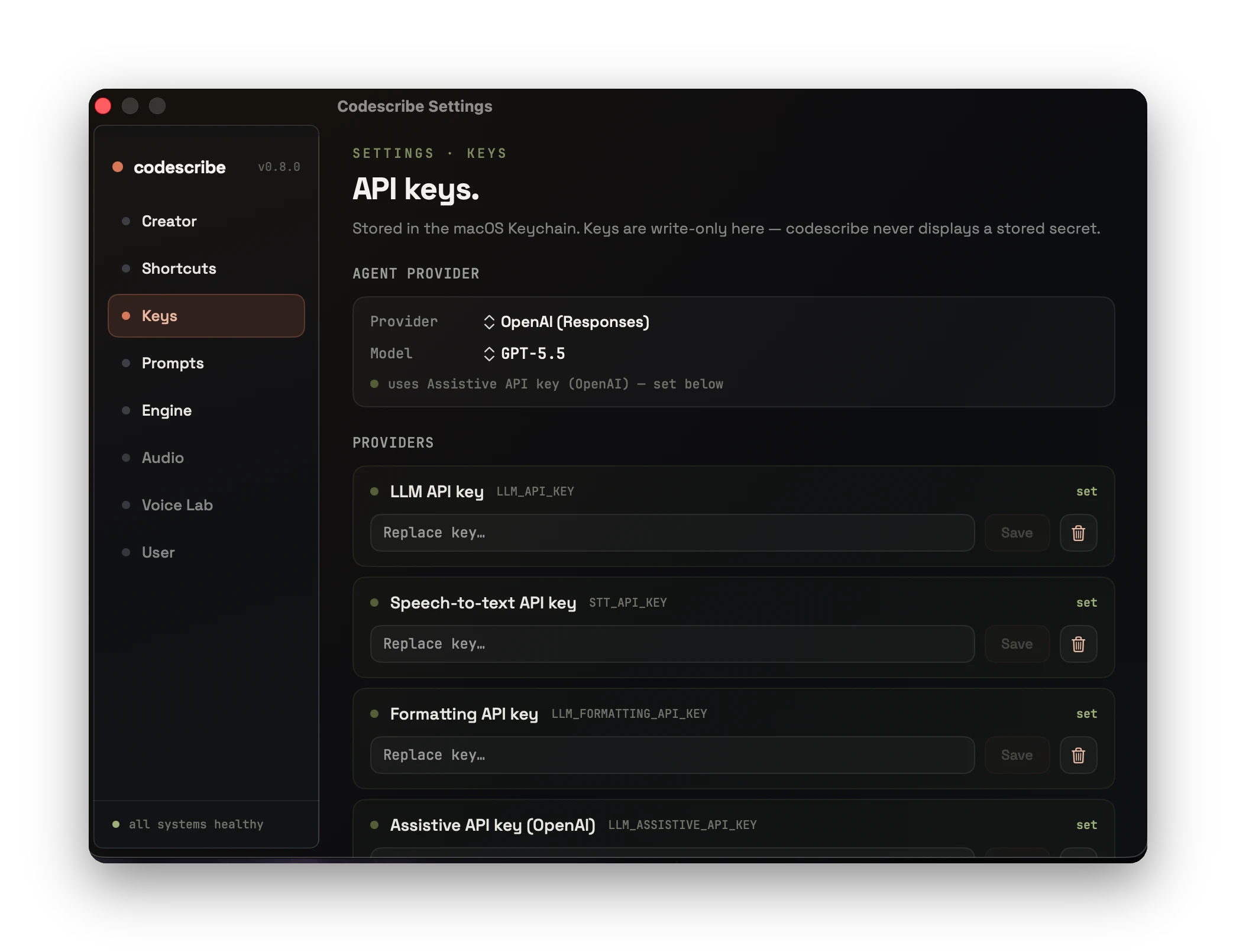
Keys — stored in the macOS Keychain, write-only, never shown back
SETUP · 12-STEP WIZARD, SIX MOVES
First launch to a ready voice runtime — pick a lane, grant permissions, set language, connect a provider, choose hotkeys, check readiness.
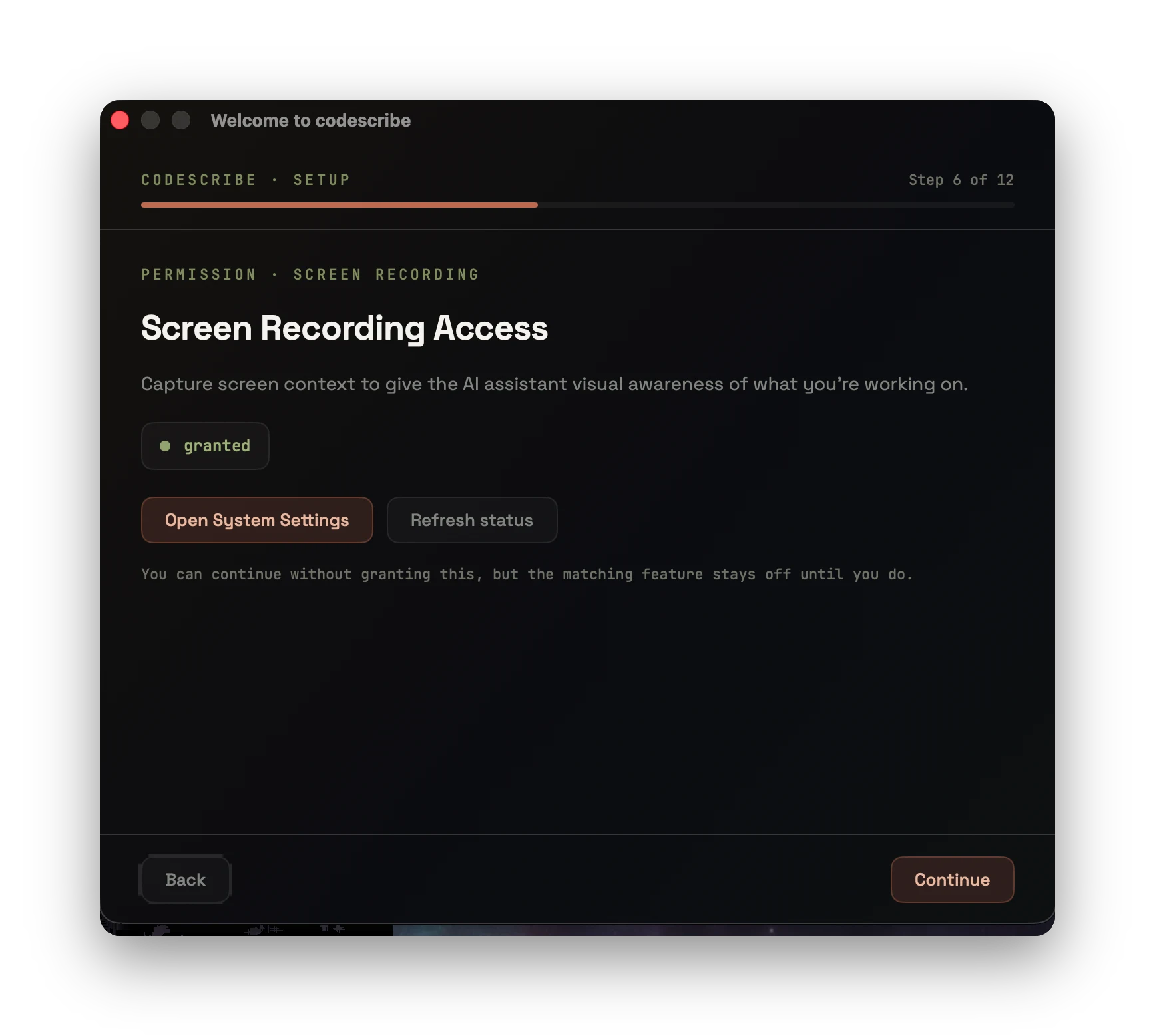
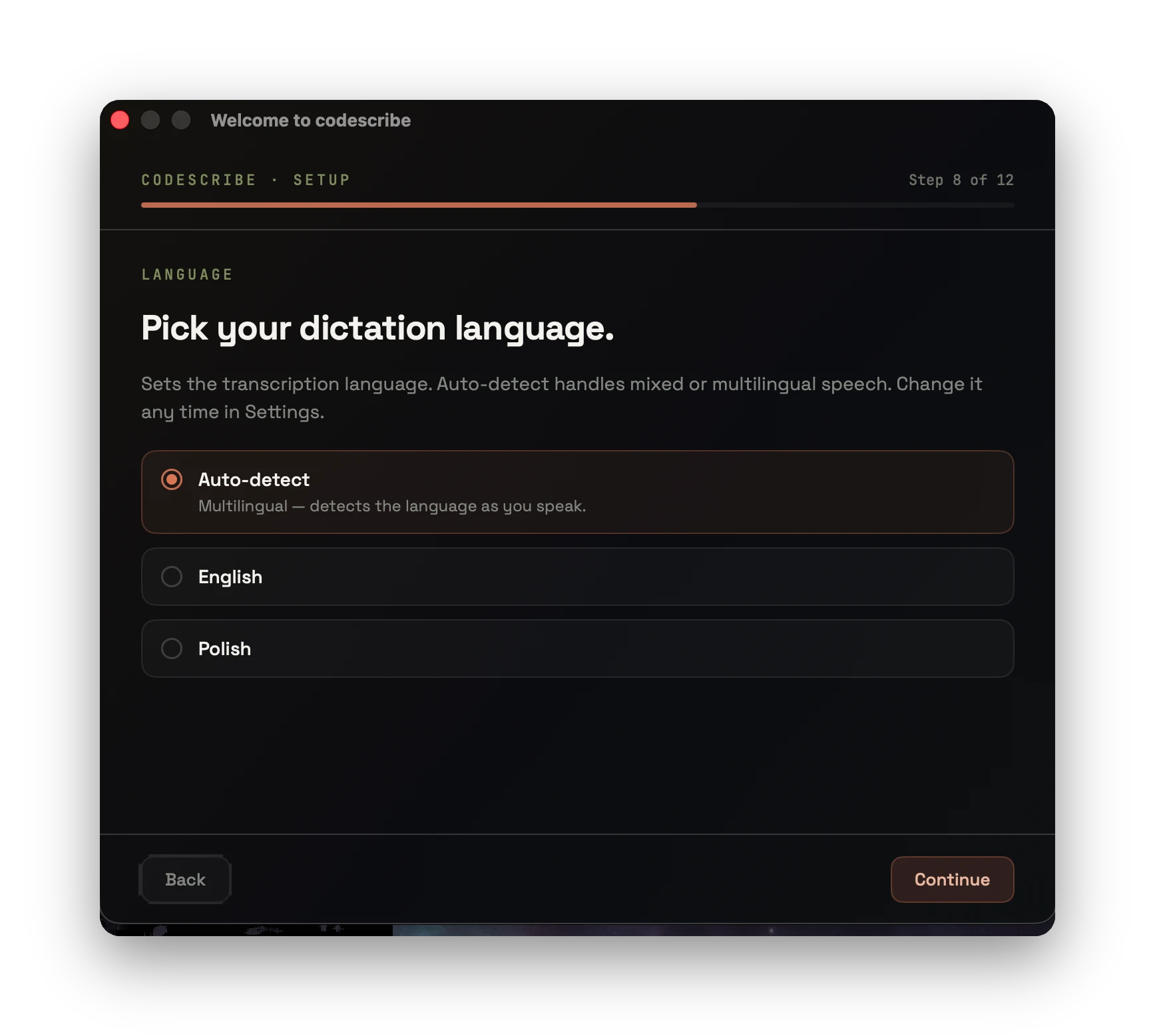
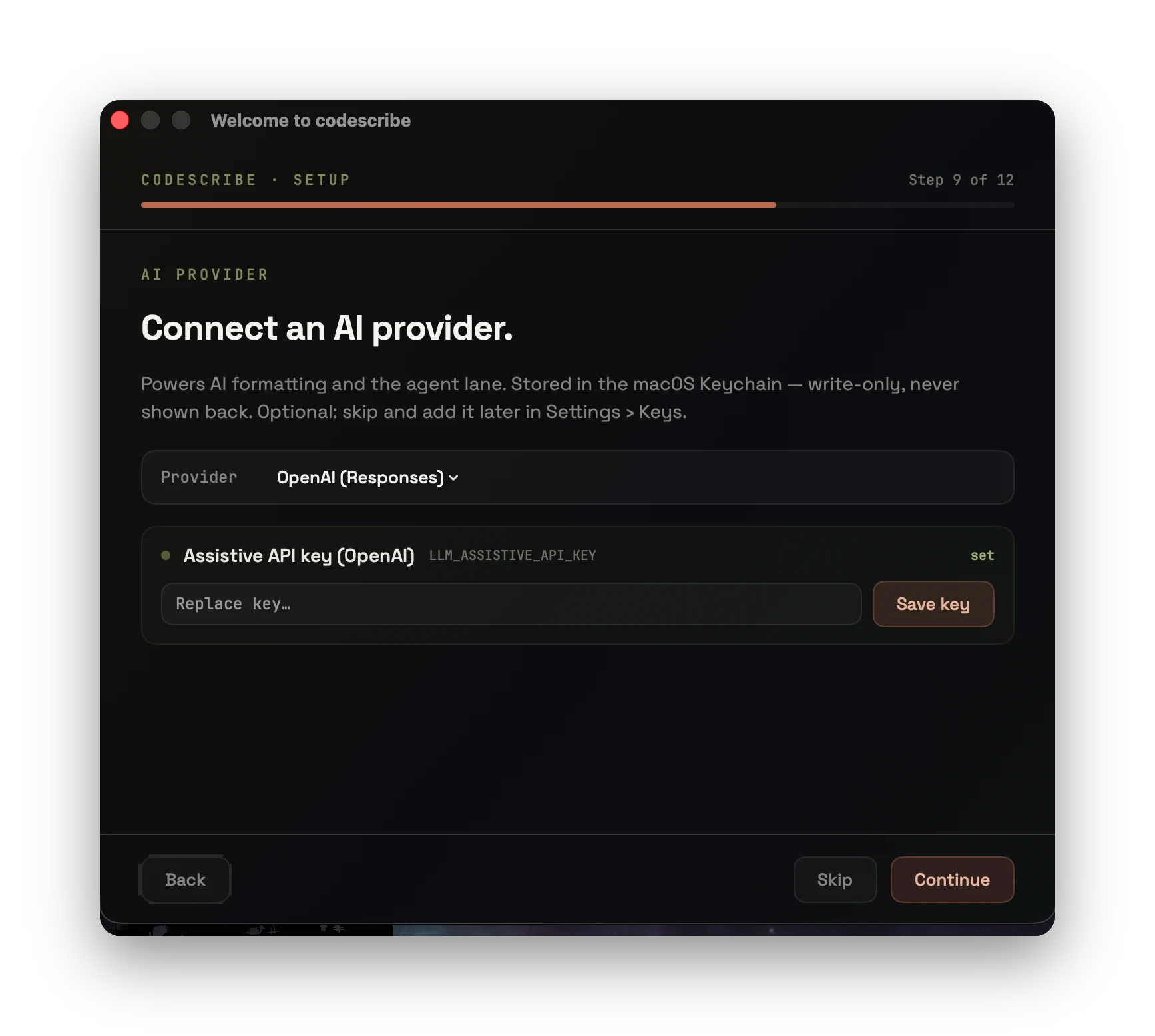
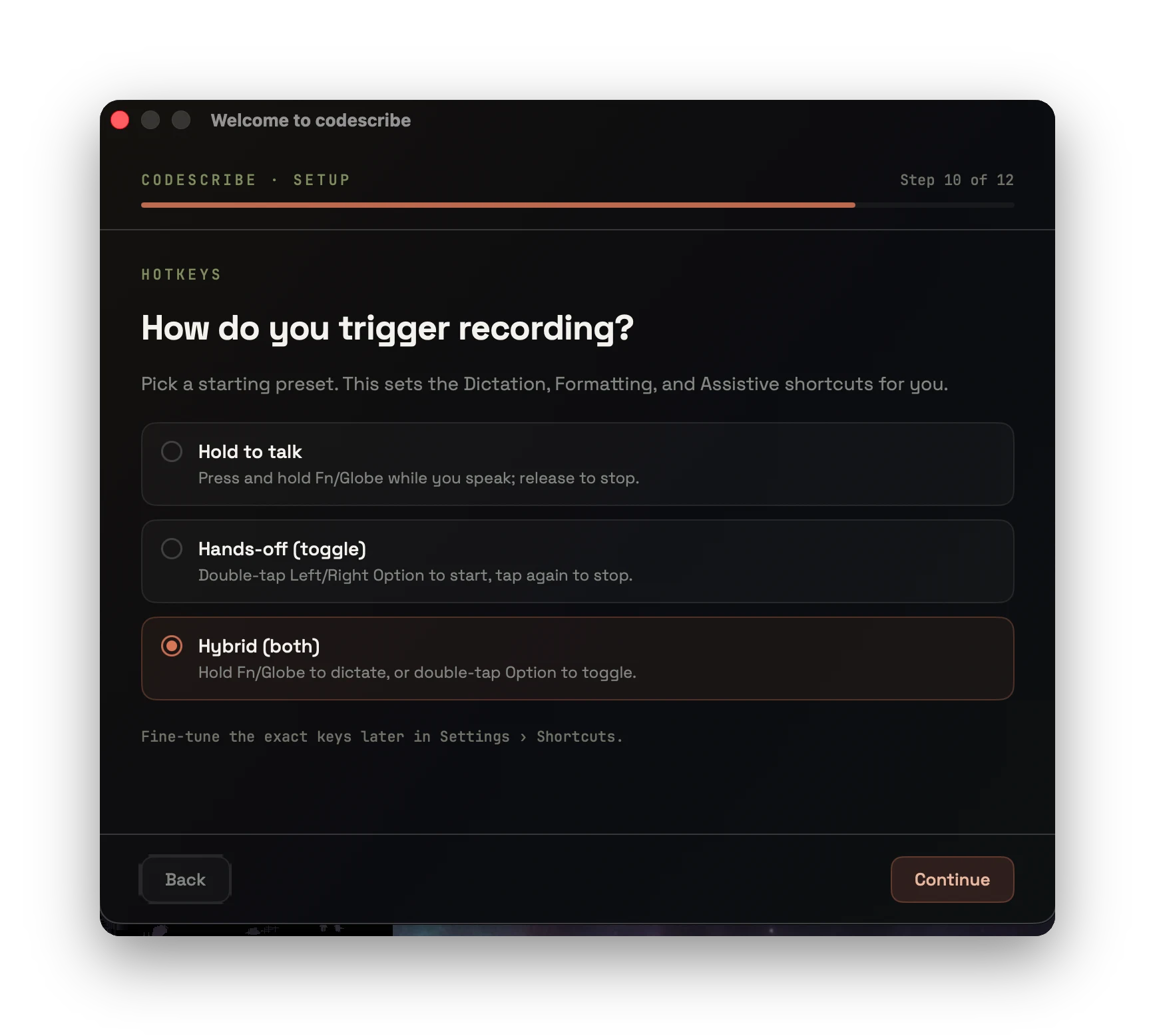
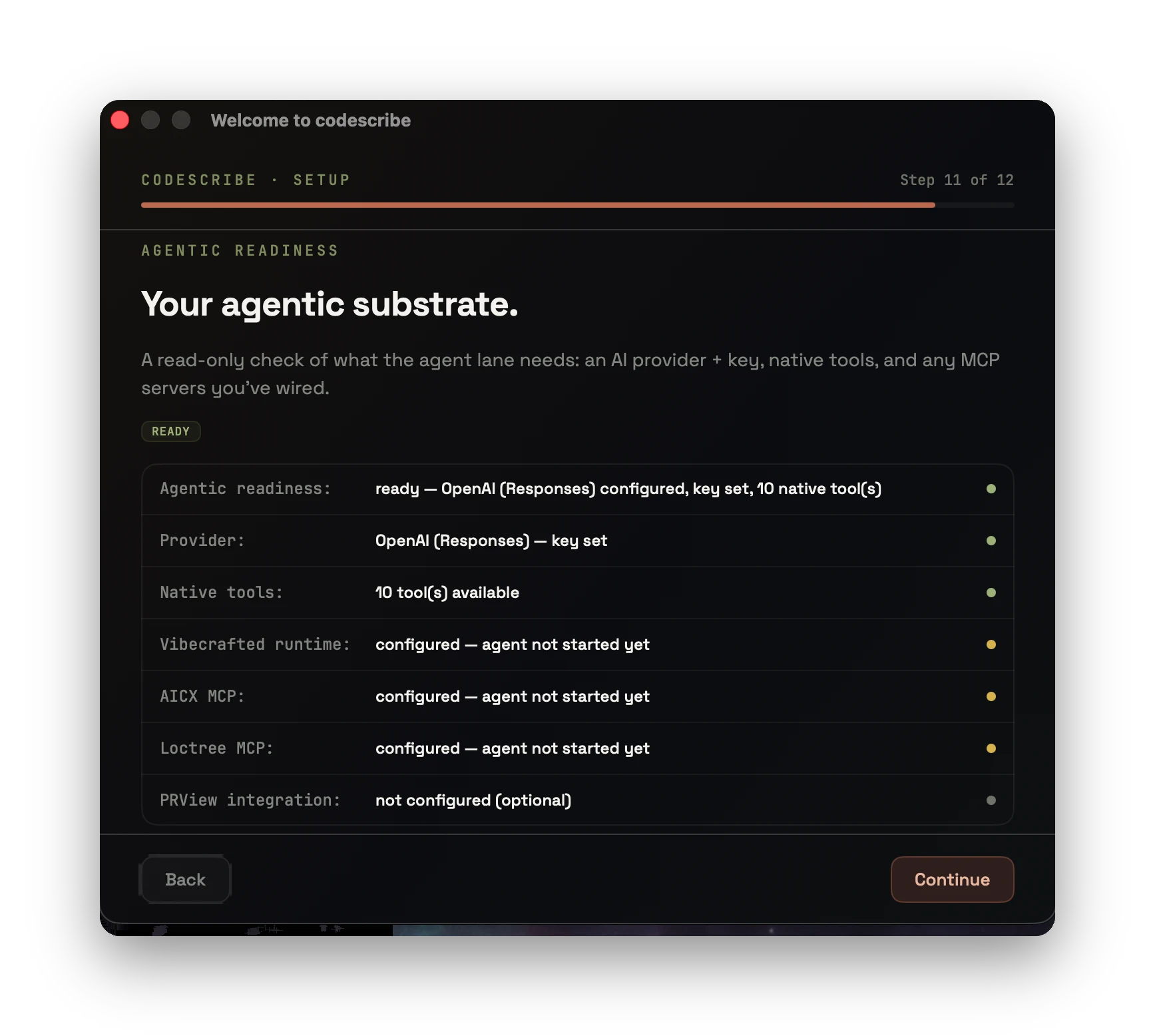
— from first launch to a ready voice runtime —
macOS · APPLE SILICON · v0.15.2
Download Codescribe.dmgsigned & notarized · 42 MB · build from source: see README